



Save every AI chat.
Export chats from 20 AI sites — ChatGPT, Claude, Gemini and more — to PDF, Word, Markdown or long screenshot. Local-first, offline, yours.
Free to start No sign-up required Local-first & offline
Works on 20 AI platforms


Every format, every detail — from any AI you use.
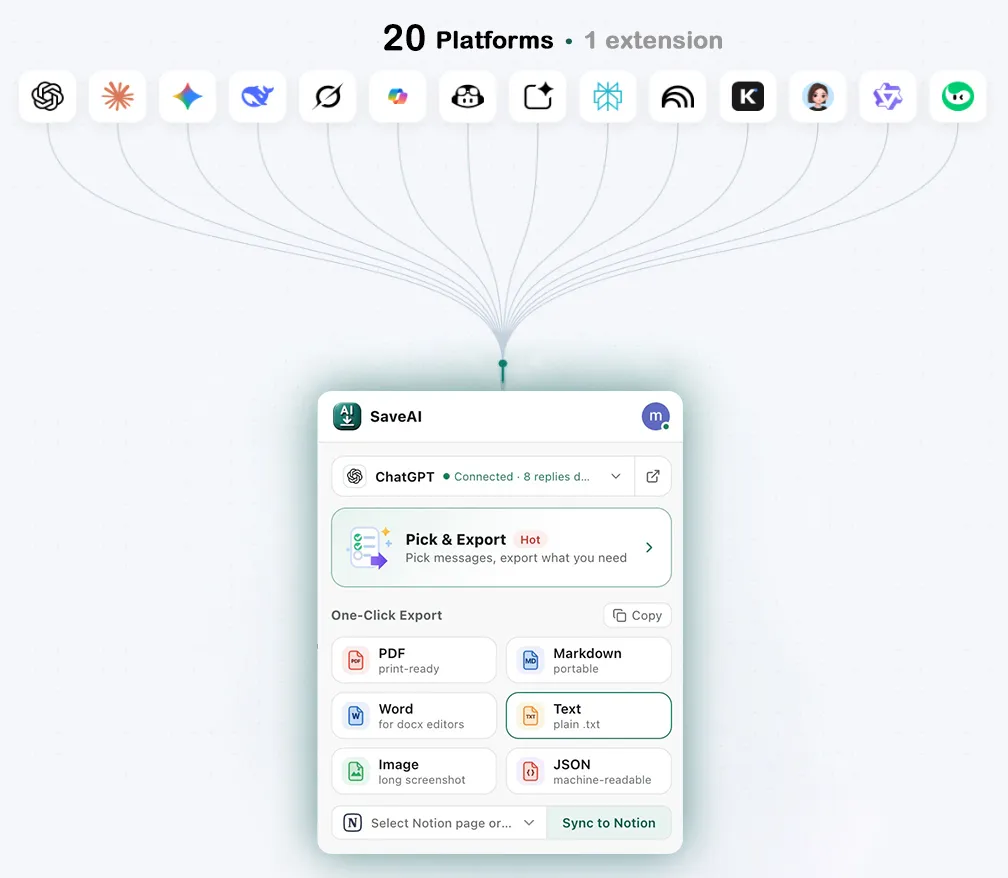
20 platforms, one extension
Install it once — ChatGPT, Claude, Gemini and 17 more are all covered.
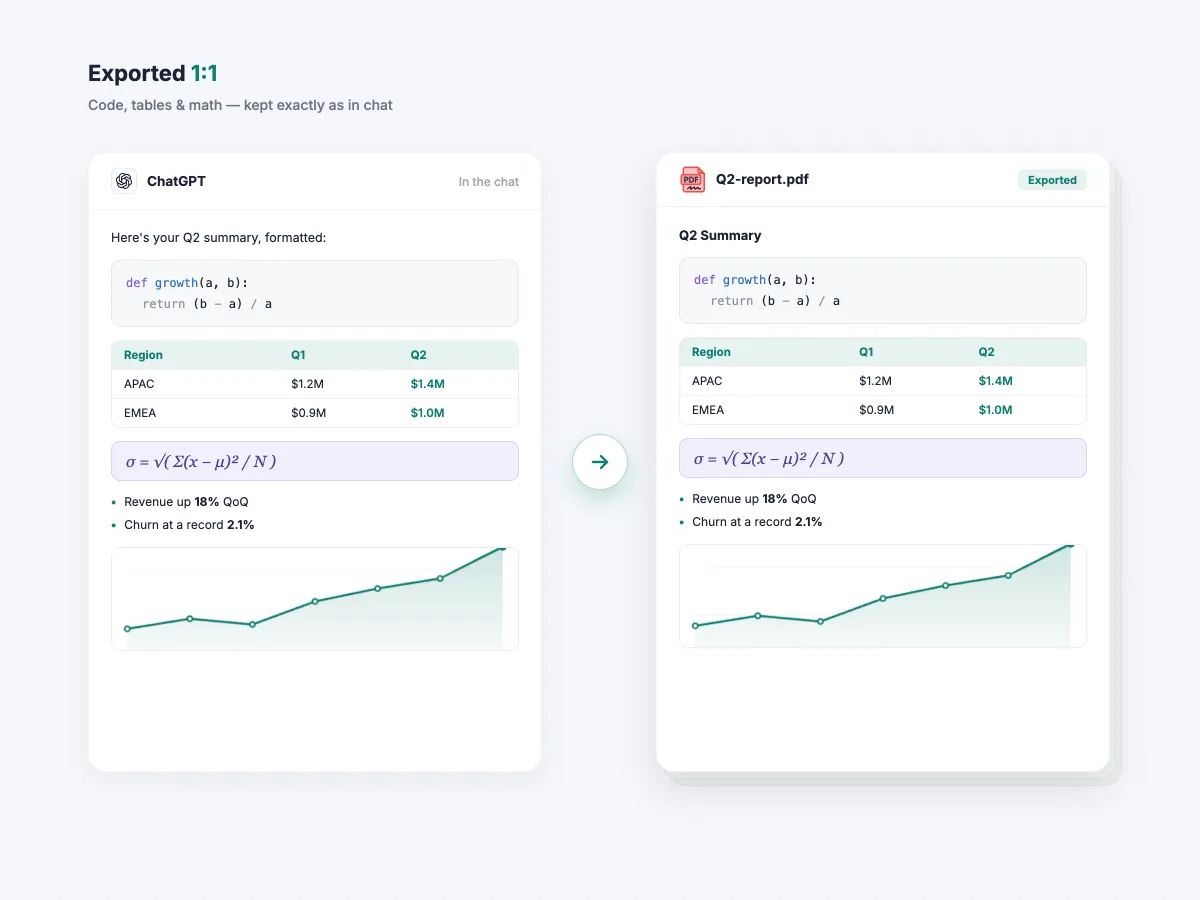
Exported 1:1
Code blocks, LaTeX math, tables and images export exactly as they look in the chat — no broken layout, no lost styling.
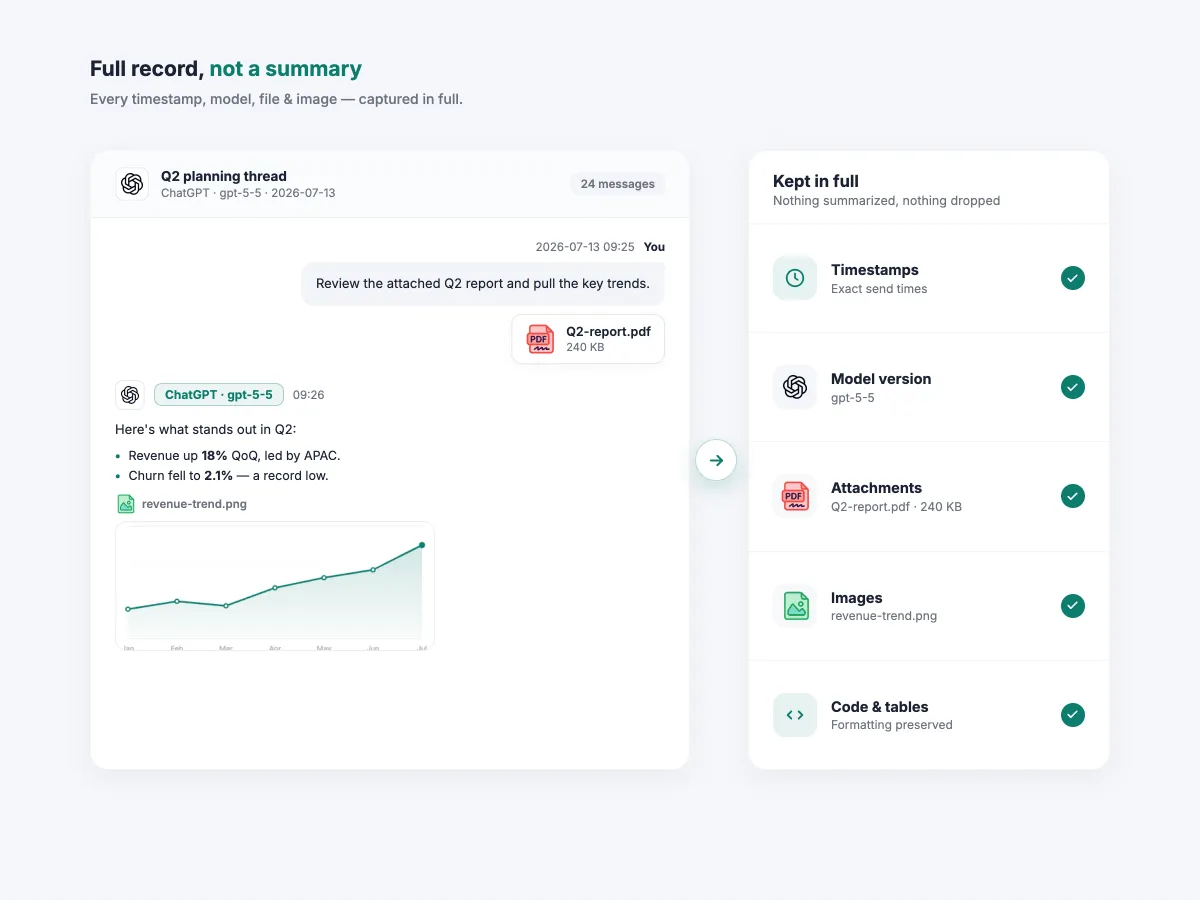
Full record, not a summary
Timestamps and model details stay intact. Images and attachments are preserved when the source site exposes them; coverage varies by platform and format.
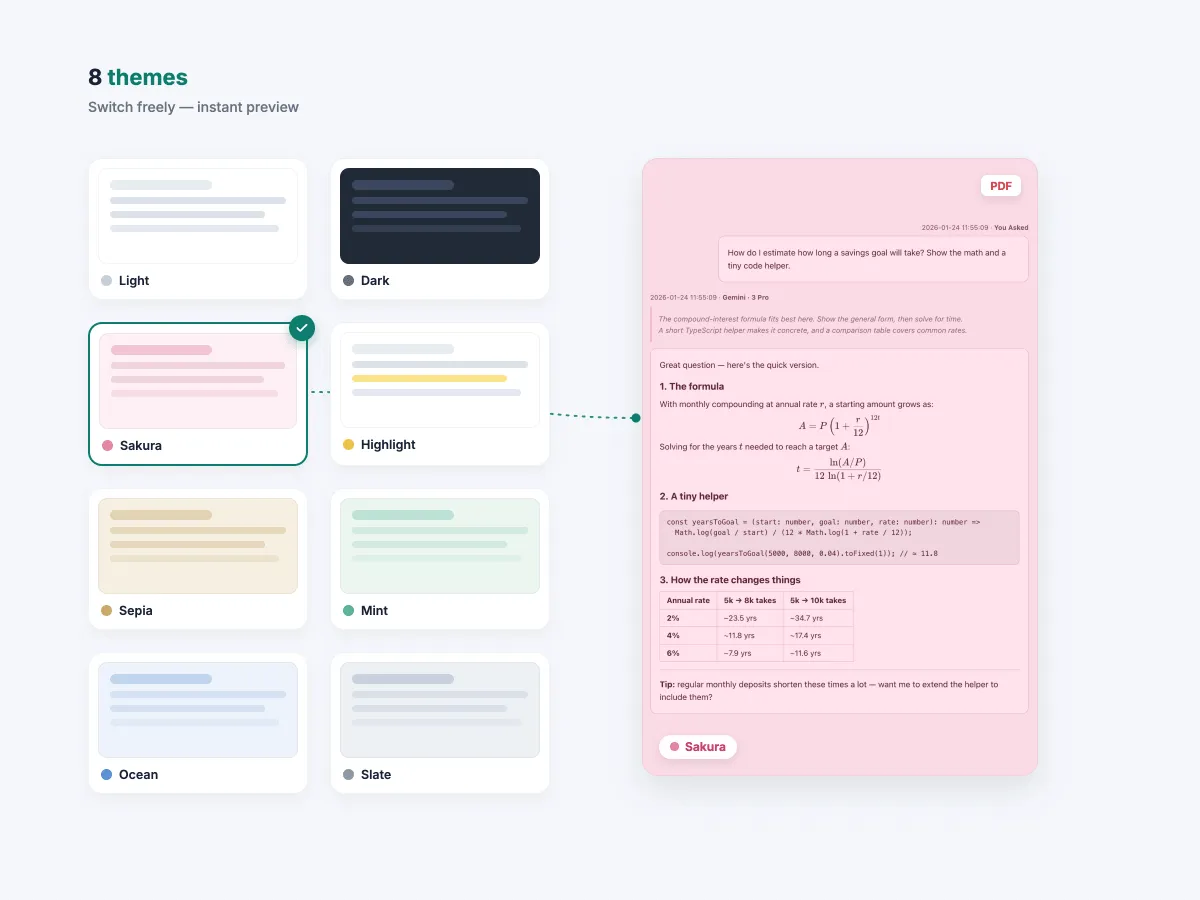
Eight PDF themes
Highlight, dark, sakura and more — 8 polished themes make every PDF look professional.
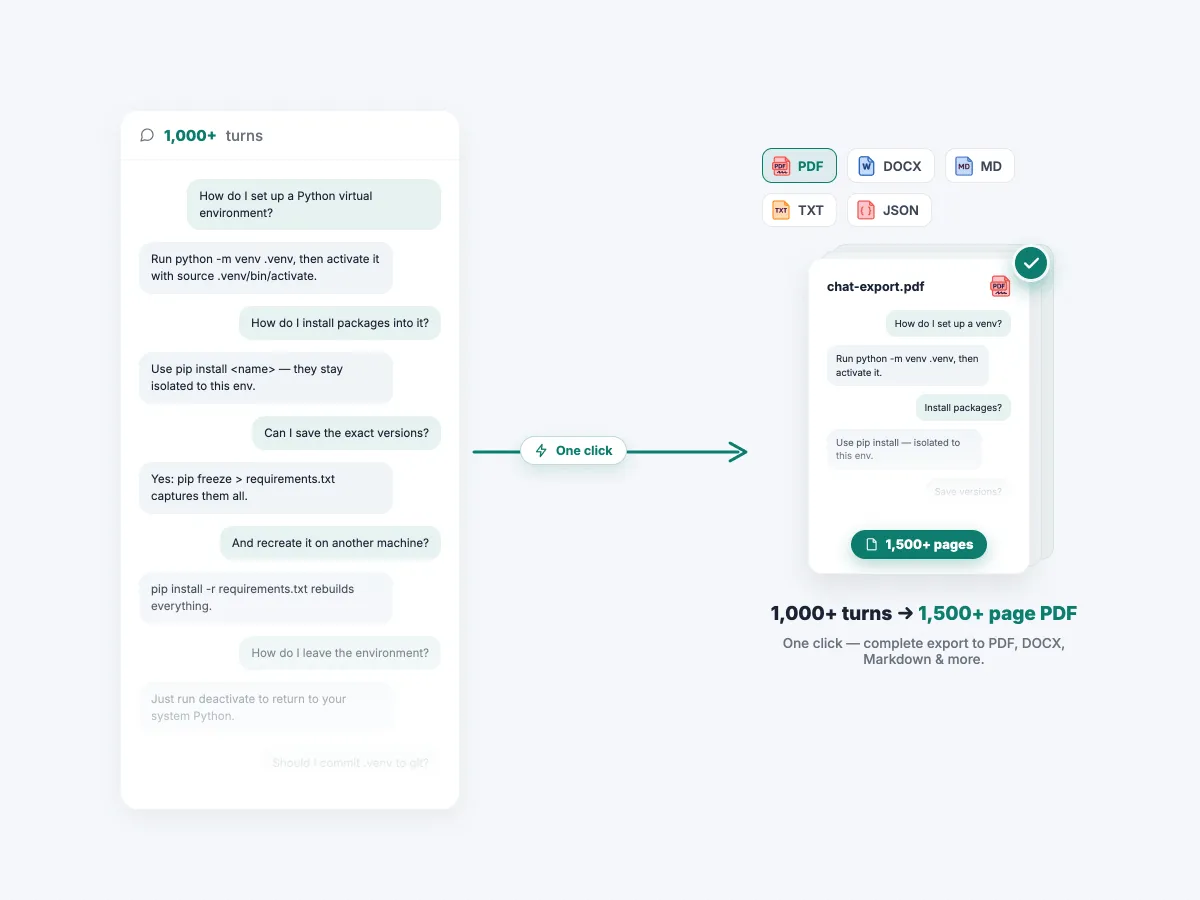
Thousand-turn chats, in one file
Even thousand-turn conversations export in full with a single click.
Export a chat in three steps
Install and pin
Add SaveAI from the Chrome Web Store and pin it to your toolbar. No account, no API key, no configuration.
Open any AI chat
Go to ChatGPT, Claude, Gemini or any of the 20 supported sites and open the conversation you want to keep.
Click, pick a format, done
Hit the toolbar icon or the in-page button, choose PDF, Word, Markdown, JSON, TXT or long image, and it downloads right away.
Why it's worth installing
Keep only the parts that matter
Select individual messages, or export questions only or answers only, to trim a long thread down before you save it.
Ready for your next tool
Markdown pastes cleanly into Obsidian or Notion, JSON pipes into scripts and datasets, and Word opens up for editing.
Free, with nothing held back
Every format is unlimited — no daily quotas, no watermark and no paid tier. The full feature set, for everyone.
Common questions
If something here doesn't answer your question, the full FAQ probably does.
Is my chat content uploaded to your server?
Do I need an account to use it?
Which AI sites are supported?
Is it really free?
Guides for each AI
 ChatGPT
 Claude
 Gemini
 DeepSeek
 Grok
Grok Perplexity
 NotebookLM
Install SaveAI and boost your research and study
Turn important chats into clean documents, study notes and shareable files — free, unlimited, in one click.